
Need to change or cancel an appointment?
Whether you booked online, over the phone or booked a hearing appointment, you can find the relevant information below.
If you booked an eye test online
For eye tests that have been booking online, you can manage your appointment within My Account. Simply login to My Account using the email you provided at time of booking.
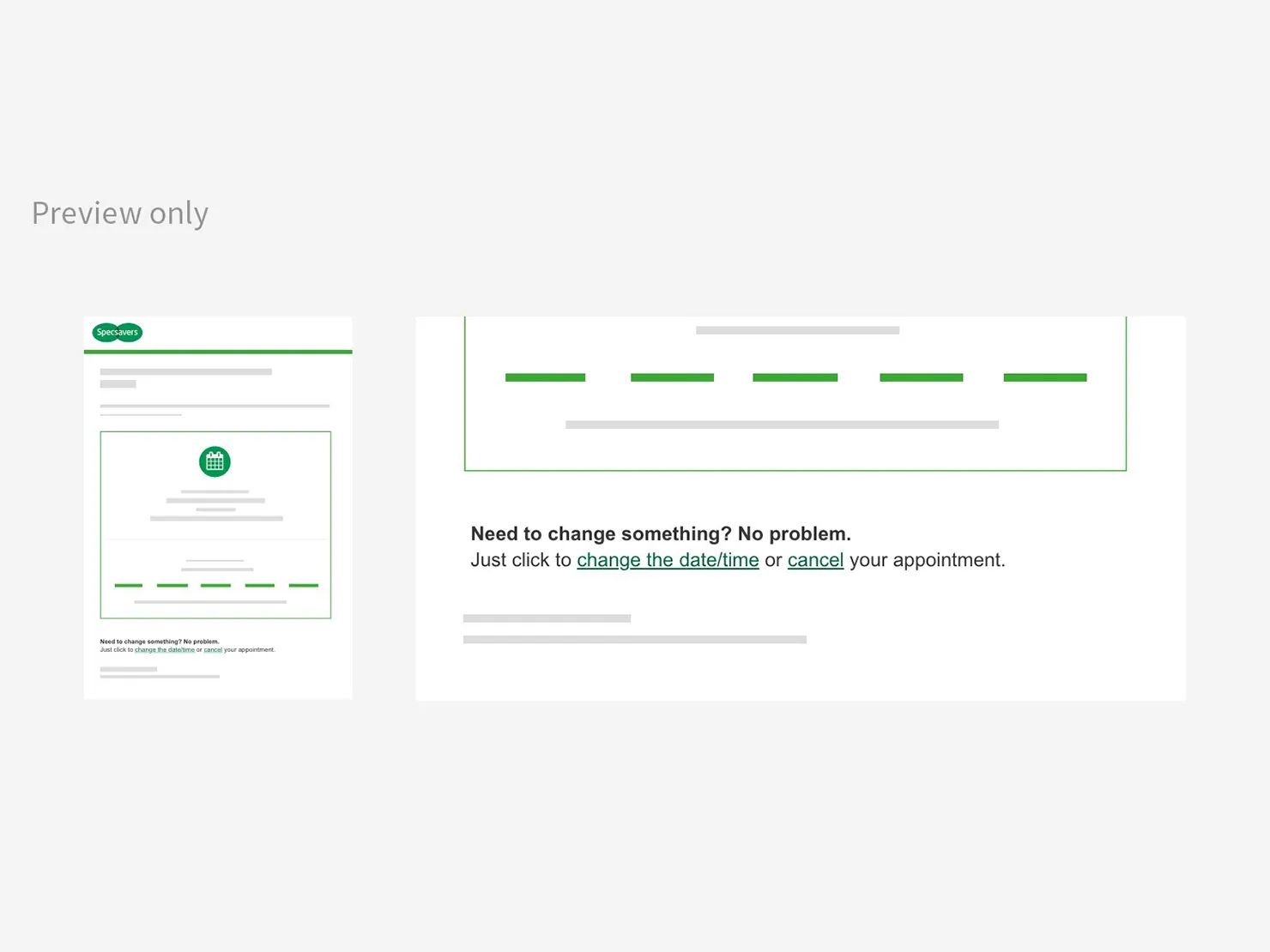
You can also cancel or amend you appointment by following the link in your booking confirmation email from 'appointment@notification.specsavers.co.uk'
If you booked in-store or over the phone
Just get back in touch with the store and you can cancel your appointment. You can either do this over the phone or by coming to the store in person.
If you booked a hearing appointment
Hearing appointments cannot currently be cancelled online, so you will need to contact the store you’ve made your appointment with by phone or in person.
What other parts of my booking can I amend?
You can only amend the date and the time of your appointment. If, after a completed booking, you need to change the type of appointment or even the store that you have selected, you will have to cancel the current appointment and make a new booking.
What happens if you miss a specsavers appointment?
If you miss your appointment with us then you will need to rebook an appointment for a later time. This can be done online or via the store, whether over the phone or in person.